 Wisdom
Live Class
Beginner
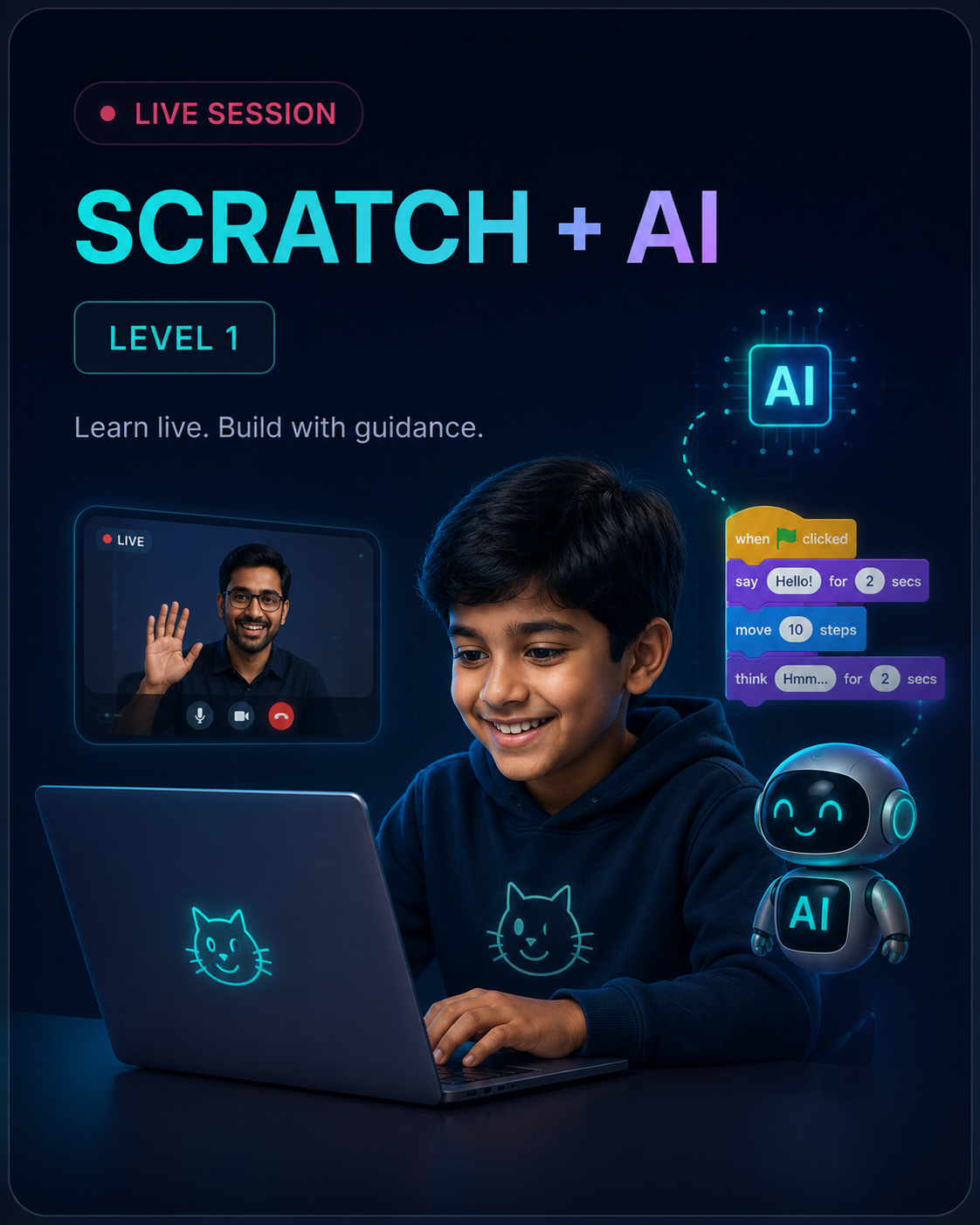
Scratch + AI — Level 1 Live
A beginner-friendly live course where learners build Scratch coding and AI projects with real-time guidance from an instructor.
₹5,990
₹7,99025% off
About this product
Scratch + AI — Level 1 Live is an instructor-led beginner programme designed to help young learners start coding and understand artificial intelligence through guided, interactive classes.
Learners use Scratch’s visual coding environment to create games, stories and smart applications while exploring concepts such as language translation, image recognition, face detection, object identification, voice interaction and chatbots.
During every session, the instructor explains the concept, demonstrates the project and supports learners as they build it themselves.
This programme is ideal for children beginning their coding journey and for parents who prefer structured learning with direct instructor support.
Why choose the live programme?
The live programme provides:
Step-by-step instructor guidance
Real-time doubt clarification
Structured learning schedules
Practical project support
Feedback during activities
Greater accountability and consistency
Interactive learning with a mentor
The focus is not only on completing projects. It is also about helping learners understand what they are building and develop the confidence to continue creating independently.
What is included
10 live instructor-led sessions
10 hands-on Scratch and AI projects
10 quizzes and knowledge checks
1 capstone project
Live demonstrations
Real-time doubt clarification
Project feedback
Mentor support
Learning resources
Course-completion certificate
What learners will explore
Scratch coding fundamentals
Learn how to use Scratch blocks to control characters, movement, sounds, events and interactions.
Artificial intelligence concepts
Understand AI through simple and relatable projects.
Games and interactive projects
Create engaging games and applications using coding logic and creative design.
Language and voice interaction
Explore how programmes can translate languages, listen to voice commands and respond.
Image, face and object recognition
Discover how AI identifies visual information.
Responsible use of AI
Understand how AI helps people, where it has limitations and why human judgment matters.
Live session journey
Session 1 — Introduction to AI and Quick, Draw!
Explore how machines recognise drawings and visual patterns.
Session 2 — Language Translator
Build a translator and understand how AI supports communication between languages.
Session 3 — Balloon Burst Game
Create an interactive game that responds to user actions.
Session 4 — Printed Text Recognition
Build an application that detects and reads printed text.
Session 5 — Face-Controlled Maze Game
Create a maze game controlled through facial movement.
Session 6 — Single Face Detection
Develop a project that detects and highlights a face through the camera.
Session 7 — Object Identification
Build a programme that recognises selected objects.
Session 8 — Talking Chatbot
Create a chatbot that receives voice input and provides a response.
Session 9 — Stroop Effect AI Game
Explore how the brain processes colours, words and patterns.
Session 10 — Impact and Responsible Use of AI
Understand real-world AI applications, benefits and limitations.
What learners will build
Quick, Draw! activity
Language translator
Balloon Burst game
Printed-text recognition tool
Face-controlled maze game
Face-detection application
Object-identification programme
Talking chatbot
Stroop Effect AI game
Final capstone project
Learning outcomes
By the end of the programme, learners should be able to:
Use the Scratch coding environment
Create interactive programmes with visual coding blocks
Understand basic coding sequences, events and conditions
Explain artificial intelligence in simple terms
Build beginner-level games and AI projects
Understand how AI recognises text, faces and objects
Create simple voice-enabled applications
Apply logical thinking to project challenges
Understand selected benefits and limitations of AI
Present a completed project with confidence
Skills developed
Coding fundamentals
Computational thinking
Logical reasoning
Creativity
Problem-solving
Interactive project design
Artificial-intelligence awareness
Communication
Digital confidence
Independent project building
Who this programme is for
This course is suitable for:
Children beginning coding for the first time
Learners interested in games, AI and technology
Learners who benefit from instructor support
Children who prefer interactive learning
Parents seeking a structured learning schedule
Schools and learning centres looking for a beginner AI programme
Prerequisite
No previous coding or artificial-intelligence experience is required.
Course delivery
Mode: Live online instructor-led classes
Language: English
Sessions: 10 live sessions
Learning format: Demonstration, guided practice, project building and review
Mentor support: Included during live sessions
Certificate: Included after successful completion
Batch information
Batch start date: To be announced
Class days: To be announced
Class timing: To be announced
Session duration: To be confirmed
Batch size: To be confirmed
Technical requirements
Learners will require:
Laptop or desktop computer
Stable internet connection
Webcam
Microphone or headset
Supported modern web browser
Access to Scratch and required AI tools
Quiet learning environment
A smartphone alone is not suitable for this programme.
Parent or guardian support
For younger learners, a parent or guardian may be required during the first session to assist with:
Joining the live class
Camera and microphone setup
Browser permissions
Account access
Opening the required learning tools
How it works
1. Enrol
Select the course and complete the payment.
2. Receive confirmation
Get enrolment confirmation through WhatsApp or email.
3. Complete onboarding
Receive the batch schedule, joining instructions and technical details.
4. Attend live classes
Join the scheduled sessions and learn directly with the instructor.
5. Build guided projects
Complete Scratch and AI activities with real-time support.
6. Complete the programme
Finish the required sessions, projects, quizzes and capstone activity.
7. Receive the certificate
Get the course-completion certificate after successful completion.
Assessment and completion
Learner progress may be evaluated through:
Attendance
Participation in live sessions
Lesson-based activities
Quizzes
Practical projects
Capstone-project completion
Instructor review
The learner must complete the required activities to receive the certificate.
Certification
Learners who complete the required sessions, projects, quizzes and capstone activity will receive a course-completion certificate.
Product summary
Recommended age: 8+
Level: Beginner
Delivery: Live online
Sessions: 10
Projects: 10
Language: English
Mentor guidance: Included
Certificate: Included
Device required: Laptop or desktop
Confirmation: Within 24 working hours
GST: Included in the displayed price
Enrolment confirmation
After successful payment, confirmation will be shared through WhatsApp or email within 24 working hours.
The message will include:
Batch details
Class schedule
Joining instructions
Technical requirements
Learning-platform information
Support contact details
Attendance policy
Learners are expected to attend all scheduled sessions.
Missed classes may not be repeated individually.
Recordings will be provided only when included in the selected batch.
Batch transfers are subject to availability and approval.
Learners should join on time with the required device and internet access.
Cancellation and refund policy
Once payment is completed, the programme fee is non-refundable.
Enrolment cannot automatically be transferred to another learner.
Batch changes are subject to availability and approval.
Wisdom Global Service may reschedule a session due to unavoidable circumstances.
Official schedule changes will be communicated through WhatsApp or email.
Support
Learners and parents may contact the Wisdom team for:
Enrolment assistance
Batch information
Joining support
Platform-access issues
Course-related coordination
Frequently asked questions
Does my child need coding experience?
No. The course begins with foundational Scratch coding and introduces AI gradually.
What is the difference between the live and self-paced versions?
The live programme includes scheduled classes, real-time explanations, doubt clarification, feedback and mentor support.
Will learners build projects during the classes?
Yes. The programme is project-based.
Can learners ask questions during the session?
Yes. Learners can clarify doubts during the live class.
Is a laptop compulsory?
A laptop or desktop is strongly recommended.
Is a webcam required?
Yes. A webcam is required for camera-based activities.
What happens after payment?
Batch details and onboarding instructions will be shared through WhatsApp or email within 24 working hours.
Will class recordings be provided?
Recordings will be provided only when included in the selected batch.
Will learners receive a certificate?
Yes. A course-completion certificate will be issued after successful completion.
What happens if a learner misses a class?
Missed-session support depends on the batch policy. Individual replacement classes are not guaranteed.
You may also like
More from AI Learning