 Wisdom
Recorded Course
Beginner
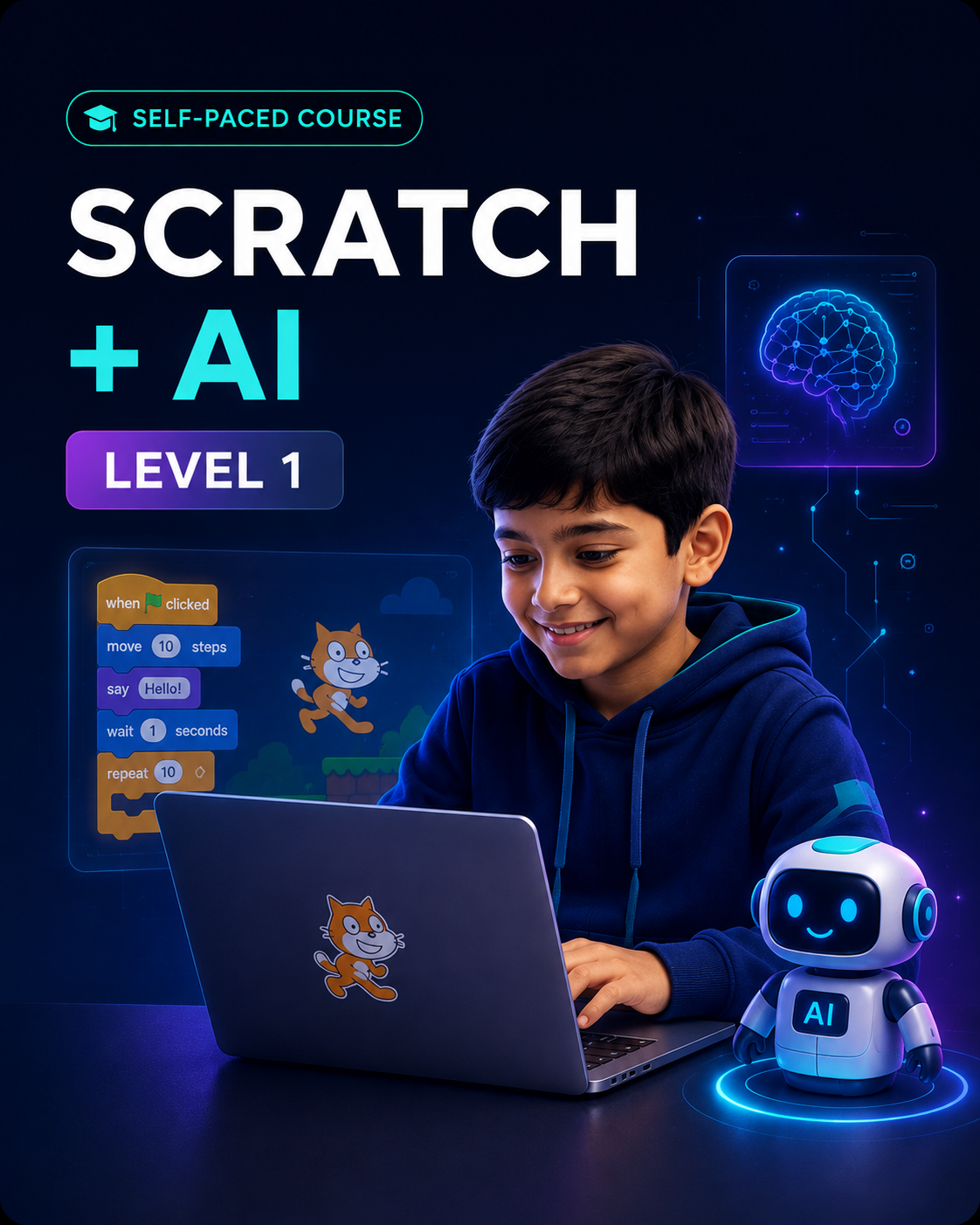
Scratch + AI — Level 1
A beginner-friendly course where learners build 10 interactive Scratch projects while exploring AI through games, voice, images and smart applications.
₹3,990
₹5,99033% off
- Instant digital access after payment
About this product
Product overview
Scratch + AI — Level 1 is a beginner-friendly, project-based programme that introduces learners to coding and artificial intelligence through the visual Scratch environment.
Instead of learning only through theory, learners actively create projects that use language translation, computer vision, face detection, object recognition, voice interaction and machine learning.
Each guided lesson introduces an AI concept through a practical activity. Learners gradually move from understanding basic coding instructions to building interactive applications and exploring how machines recognise language, images, objects, faces and patterns.
The course is designed to make a learner’s first experience with coding and AI clear, engaging and confidence-building.
________________________________________
Why this course matters
Children increasingly interact with AI through mobile applications, games, voice assistants, cameras and online platforms. However, using AI is different from understanding how it works.
This programme helps learners move from being passive technology users to active creators.
By combining Scratch coding with practical AI activities, learners begin to understand:
• How instructions control a programme
• How machines recognise images, faces and objects
• How voice-based applications listen and respond
• How AI models learn from examples
• Where AI performs well and where human judgment remains important
________________________________________
What learners will experience
Learners will:
• Create interactive projects using Scratch
• Explore artificial intelligence through practical activities
• Build games using visual coding blocks
• Develop a language-translator project
• Create a voice-enabled chatbot
• Explore face and object recognition
• Understand introductory machine-learning concepts
• Examine the benefits and limitations of AI
________________________________________
Course highlights
• 10 guided learning sessions
• 10 hands-on AI projects
• 10 knowledge-check quizzes
• 1 capstone project
• Beginner-friendly visual coding
• Self-paced learning
• Course-completion certificate
________________________________________
Learning journey
Session 1 — Getting Started with AI and Quick, Draw!
Learners receive an introduction to artificial intelligence and explore how machines identify drawings and visual patterns.
Key learning: AI fundamentals, pattern recognition and machine prediction.
________________________________________
Session 2 — Language Translator
Learners build an intelligent language-translator project and understand how AI supports communication across languages.
Key learning: Language processing, translation and real-world AI applications.
________________________________________
Session 3 — Balloon Burst Game
Learners create an interactive AI-based game and explore how computers sense and respond to user actions.
Key learning: Coding logic, perception and interactive game design.
________________________________________
Session 4 — Printed Text Recognition
Learners develop a programme that reads and recognises printed text using computer-vision tools.
Key learning: Computer vision, text recognition and digital information processing.
________________________________________
Session 5 — Maze Game
Learners guide a character through a maze using facial movement while avoiding obstacles and reaching the destination.
Key learning: Motion-based control, face tracking, logic and problem-solving.
________________________________________
Session 6 — Single Face Detection
Learners create an AI programme that detects a face and highlights it using a visible frame.
Key learning: Face detection, visual perception and camera-based AI.
________________________________________
Session 7 — Object Identification
Learners build a project that recognises objects and explore how machines learn from labelled information.
Key learning: Image classification, labelled data and object recognition.
________________________________________
Session 8 — Talking Chatbot
Learners create a chatbot that listens to voice input and responds like a conversational assistant.
Key learning: Voice interaction, conversational AI and response logic.
________________________________________
Session 9 — Stroop Effect Game
Learners create and train an AI-based activity that explores how the human brain responds to words, colours and patterns.
Key learning: Machine-learning models, cognitive processing and pattern interpretation.
________________________________________
Session 10 — Understanding the Impact of AI
Learners examine real-world situations in which AI performs effectively and situations in which it may not outperform people.
Key learning: Responsible AI, limitations of machines and human decision-making.
________________________________________
Learning outcomes
By completing the programme, learners should be able to:
• Understand foundational coding concepts using Scratch
• Use visual coding blocks to create interactive programmes
• Explain artificial intelligence in simple terms
• Build beginner-level games and AI applications
• Understand how machines recognise text, faces and objects
• Explore how labelled data supports machine learning
• Create simple voice-enabled and chatbot applications
• Apply logical thinking to solve project challenges
• Recognise selected benefits and limitations of AI
• Present a completed project with greater confidence
________________________________________
Skills developed
• Coding fundamentals
• Computational thinking
• Logical reasoning
• Creative problem-solving
• Game design
• Artificial-intelligence awareness
• Computer-vision understanding
• Communication
• Independent learning
• Digital confidence
________________________________________
Who this course is for
This programme is suitable for:
• Learners beginning coding for the first time
• Children interested in games, technology and AI
• Learners who prefer visual and project-based learning
• Parents seeking a structured introduction to future-ready skills
• Schools or learning centres looking for a beginner-level AI programme
• Adult beginners who are comfortable learning through Scratch
Recommended age
8 years and above
No previous coding or artificial-intelligence experience is required.
________________________________________
What the learner will build
During the course, learners will work on projects such as:
• Quick, Draw! AI activity
• Language translator
• Balloon Burst game
• Printed-text recogniser
• Face-controlled maze game
• Single-face detector
• Object-identification programme
• Talking chatbot
• Stroop Effect game
• AI impact exploration project
________________________________________
Course delivery
Mode: Self-paced online learning
Language: English
Access: Lifetime course access
Support: Onboarding and course-access support through WhatsApp or email
Confirmation: Shared within 24 working hours after successful payment
Learners can progress according to their own pace while completing the guided lessons, projects and quizzes.
________________________________________
Technical requirements
Learners will require:
• Laptop or desktop computer
• Stable internet connection
• Webcam for camera-based activities
• Microphone or headset for voice-based projects
• Supported modern web browser
• Access to the required Scratch and AI learning tools
A smartphone or tablet may be useful for selected supporting activities, but a laptop or desktop is recommended for the main programme.
________________________________________
Assessment and completion
Learner progress is supported through:
• Lesson-based projects
• Ten quizzes
• Practical experimentation
• One capstone project
• Course-completion requirements
A course-completion certificate will be issued after the required learning activities are completed.
________________________________________
How enrolment works
1. Select Scratch + AI — Level 1
2. Complete the payment
3. Receive enrolment confirmation through WhatsApp or email
4. Receive onboarding and course-access instructions
5. Begin the self-paced learning journey
6. Complete the projects, quizzes and capstone activity
7. Receive the course-completion certificate
________________________________________
Parent-facing value statement
This programme helps your child move beyond simply using technology.
Through guided coding and AI projects, learners understand how digital applications are created, strengthen their logical thinking and develop the confidence to build their own interactive projects.
________________________________________
Recommended product-page information strip
Use these four compact highlights beside or below the product image:
10 Sessions
Guided step-by-step learning
10 Projects
Hands-on Scratch and AI activities
10 Quizzes
Knowledge checks throughout the course
1 Capstone
Complete and present a final project
________________________________________
Recommended purchase-area summary
Recommended age: 8+
Experience level: No prior coding required
Delivery: Self-paced online course
Language: English
Access: Lifetime
Certificate: Included
Confirmation: Within 24 working hours
GST: Included in the displayed price
________________________________________
Important information
• This is a digital self-paced programme.
• Course-access instructions will be shared after successful enrolment.
• Access information must not be shared with another learner.
• Parent or guardian support may be helpful for younger learners during initial setup.
• Course completion is required to receive the certificate.
• Once payment is completed, the course fee is non-refundable.
________________________________________
FAQ
Does my child need previous coding experience?
No. The programme starts with beginner-level Scratch coding and introduces AI concepts gradually.
Is Scratch difficult for beginners?
Scratch uses visual coding blocks rather than complex typed programming. This makes it suitable for learners beginning their coding journey.
Is this only a coding course?
No. Learners study coding while also exploring language translation, face detection, object identification, chatbots, computer vision and basic machine-learning concepts.
Is the course live or self-paced?
It is a self-paced online course. Learners can progress according to their own schedule.
What device is required?
A laptop or desktop with internet access is recommended. A webcam and microphone are needed for selected activities.
Will the learner receive a certificate?
Yes. A course-completion certificate will be provided after the required activities are completed.
How will course access be provided?
After successful payment, enrolment confirmation and access instructions will be shared through WhatsApp or email within 24 working hours.
Can an adult beginner enrol?
Yes. Adult beginners who prefer a visual and practical introduction to coding and AI may also enrol.
You may also like
More from AI Learning